Why Sellmitra is the Best Shopify Alternative in India
Compare Sellmitra and Shopify to find the right ecommerce platform for your business. Learn about pricing, mobile-first features, zero commission, and Indian-focused tools.

In today’s digital marketing world, understanding where your traffic comes from is no longer optional—it’s essential. Every click, ad, or post can generate traffic, but without proper tracking, it’s nearly impossible to know which campaigns are actually driving conversions. This is where a campaign URL builder becomes an indispensable tool.
A campaign URL builder is a simple tool that lets you create custom URLs with tracking parameters, commonly known as UTM parameters. These parameters tell analytics platforms like Google Analytics and Meta Pixel exactly where a user came from and why they visited your website.
For example:
https://yourwebsite.com/products?utm_source=instagram&utm_medium=paid&utm_campaign=spring_saleHere’s what each part does:
Without UTMs, all traffic from ads, posts, or partnerships often shows up as “Direct” or “Referral”in Google Analytics — which tells you almost nothing.
With UTMs, every visit carries its identity with it. You can instantly see whether a customer came from:
Example:
| URL | What Google Analytics Shows |
|---|---|
https://sellmitra.com | Direct / None |
https://sellmitra.com?utm_source=instagram&utm_medium=paid&utm_campaign=reel_offer | Instagram / Paid |
That single difference is what turns random web traffic into actionable marketing insight.
If you know exactly which campaigns drive conversions, you can finally measure ROI properly.
Example:
Without UTMs, both could appear as “Direct traffic” — no way to compare performance.
With UTMs, the data is clear. You’d instantly know Meta is performing 5x better and adjust budgets accordingly.
This isn’t just about saving money — it’s about allocating budget based on evidence, not gut feel.
UTM tagging makes your analytics dashboard far more meaningful.
You can filter traffic and conversions by source, medium, or campaign— no manual sorting or guesswork.
That means:
If you run Google Ads, there’s an automatic solution called Auto-tagging.
When enabled, Google Ads appends a hidden parameter called gclid to your URLs, like this:
https://sellmitra.com/?gclid=abc123xyz This lets Google Analytics automatically connect ad clicks to specific campaigns and keywords.
However:
In practice, smart marketers use both:
That gives you full visibility across all platforms.
You don’t have to manually type utm_source or utm_campaign every time.
Google’s Campaign URL Builder (or similar tools like HubSpot’s or UTM.io) automatically generate clean, consistent tracking links.
You just fill in a simple form:
The tool outputs a properly formatted link you can use anywhere — in ads, emails, or bios.
That consistency prevents small errors like utm_source=FB in one campaign and utm_source=facebook in another, which can fragment your reports.
When you use UTM links across multiple channels, analytics tools can:
For example, if someone discovers you on Instagram and later buys via Google Search, GA4 will show both touchpoints in the customer journey.
Without UTMs, all that context disappears.
Here’s the flow of how everything connects:
| Step | Tool | Role |
|---|---|---|
| 1 | Campaign URL Builder | Adds UTM tags to links |
| 2 | Ad Platform (Meta, Google, LinkedIn) | Sends visitors with UTMs |
| 3 | Google Analytics (GA4) | Reads UTMs and attributes traffic correctly |
| 4 | Reports / Dashboards | Show which campaign converts best |
Imagine you’re running a promotion on Instagram and in your newsletter. Without UTMs, both sources could appear as “Direct” traffic, leaving you unsure which channel drove sales. By using a campaign URL builder, you generate:
Instagram button:
https://yourwebsite.com?utm_source=instagram&utm_medium=paid&utm_campaign=summer_saleNewsletter link:
https://yourwebsite.com?utm_source=newsletter&utm_medium=email&utm_campaign=summer_saleWhen users click these links, GA4 and Meta Pixel automatically capture the source, allowing you to see which campaign is driving real engagement and conversions.
Always use UTMs for every marketing link—buttons, social posts, ads, emails. Even if your funnel is short, UTMs give you the data to make smarter decisions, prevent misattribution, and track the real impact of your campaigns.
It ensures that every rupee or dollar you spend can be traced to a result.
A campaign URL builder isn’t just a convenience. It’s the foundation of serious digital marketing.
Once you start using consistent UTM tagging, you’ll see the difference immediately:
Your analytics stop being abstract numbers and start telling a real story about what works.

Join our WhatsApp channel for quick tips, product updates, and ideas to help you grow your online store efficiently.
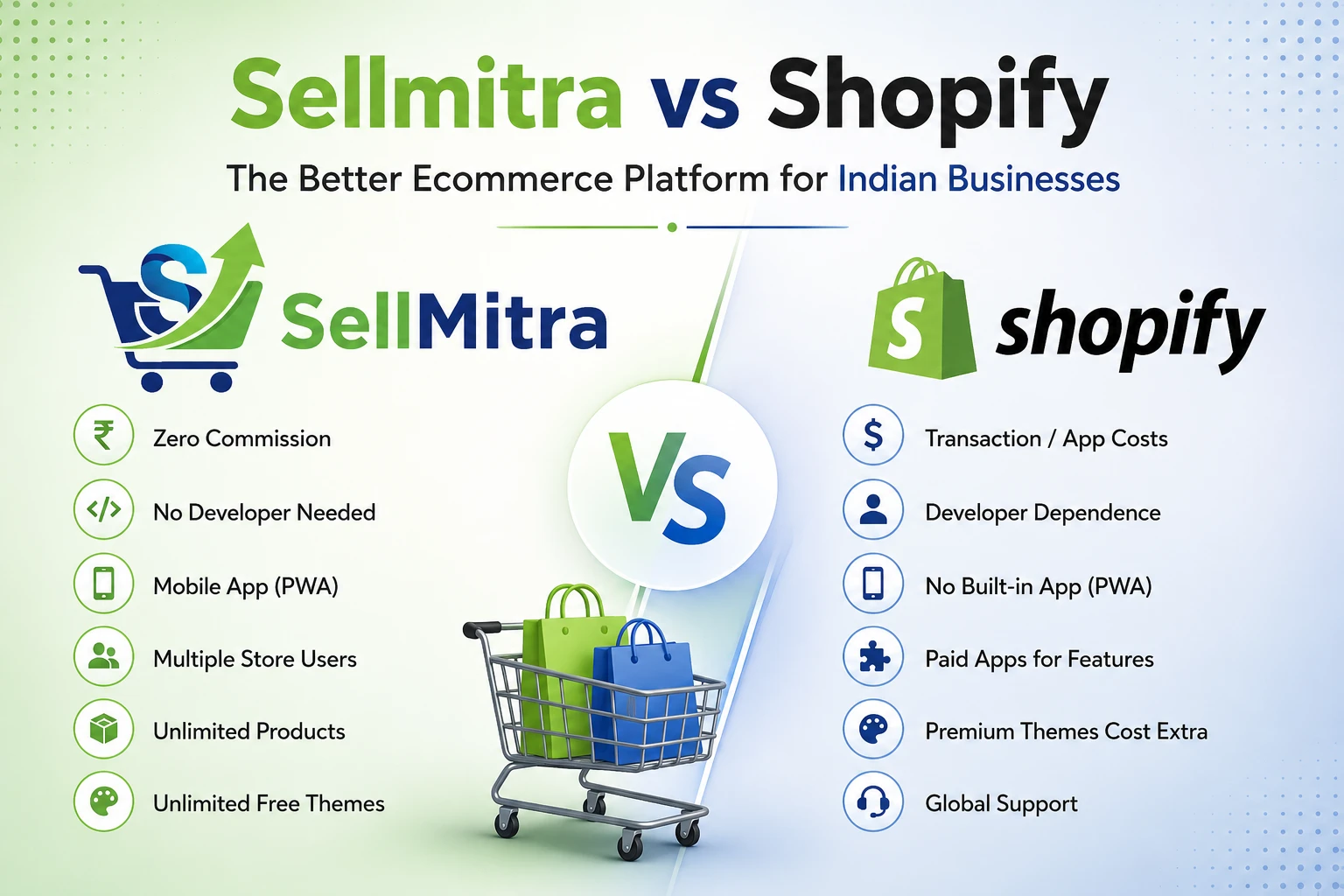
Compare Sellmitra and Shopify to find the right ecommerce platform for your business. Learn about pricing, mobile-first features, zero commission, and Indian-focused tools.
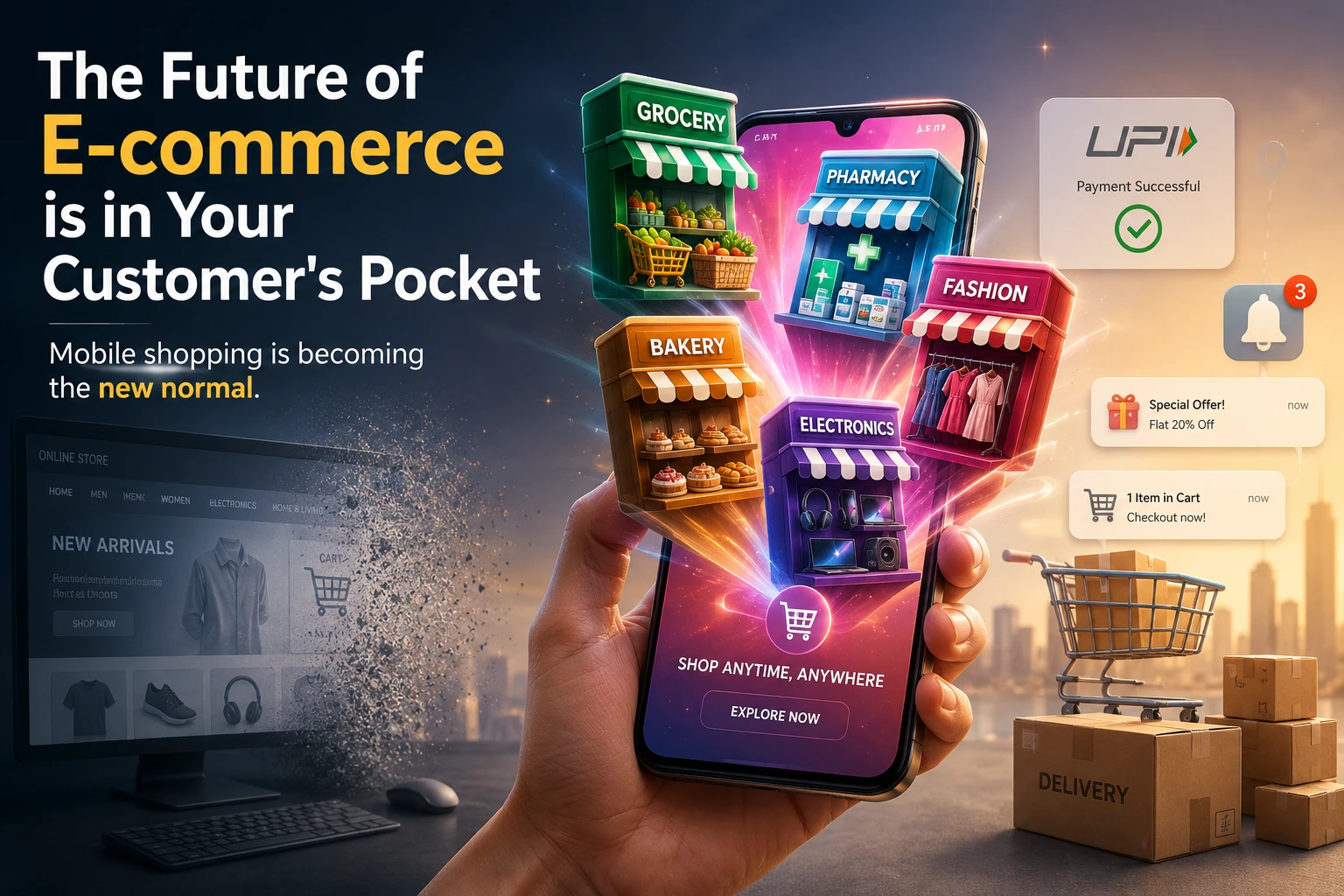
Discover why mobile apps are transforming ecommerce in India. Learn the benefits of PWAs, mobile commerce trends, and how they help grow sales.

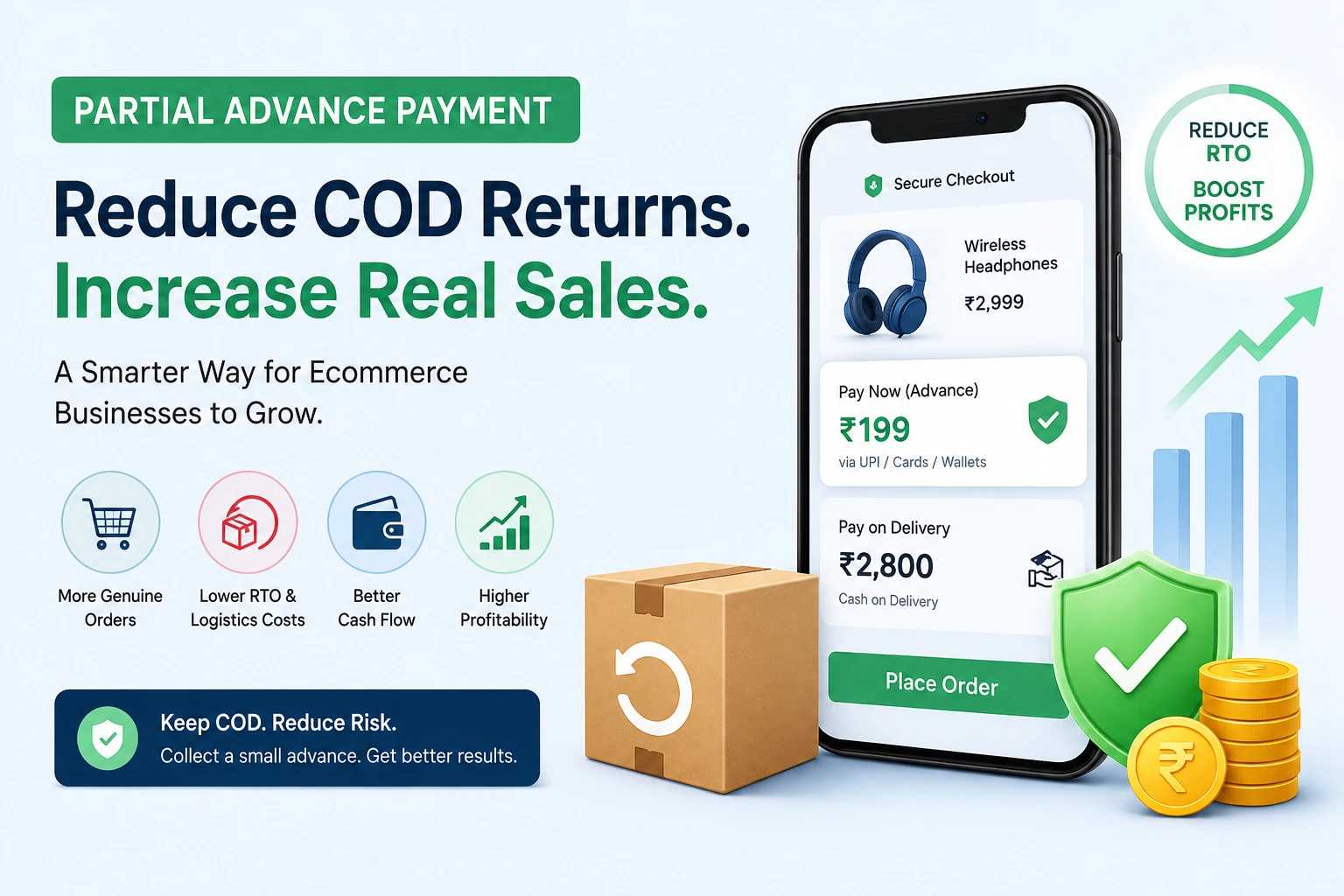
Learn how Partial Advance Payment helps ecommerce businesses reduce RTO, improve cash flow, increase genuine orders, and build customer trust without removing Cash on Delivery.
We can help you to create your dream website for better business revenue.