Why Sellmitra is the Best Shopify Alternative in India
Compare Sellmitra and Shopify to find the right ecommerce platform for your business. Learn about pricing, mobile-first features, zero commission, and Indian-focused tools.

When pricing your products for sale, it’s essential to factor in all costs and expenses to ensure you don’t underprice and lose money or overprice and lose customers. Our calculator helps you determine the final selling price by including cost price, return-related losses, shipping costs, taxes, and discounts like coupons and loyalty points.
When pricing your products for sale, it’s essential to factor in allcosts and expenses to ensure you don’t underprice and lose money or overprice and lose customers. Our calculator helps you determine the final selling price by including cost price, return-related losses, shipping costs, taxes, and discounts like coupons and loyalty points.
Here’s a step-by-step guide on how to use this calculator correctly — along with precautions to keep your pricing accurate.
Your starting point is the cost price of the product.
If you are a GST-registered business and can claim Input Tax Credit (ITC), your cost price should excludeGST because you’ll get that GST amount back from the government.
For example, if your supplier invoice shows ₹1180 including 18% GST, your actual cost price to enter is ₹1000 (1180 ÷ 1.18).
If you are under the GST Composition Scheme, not registered for GST, or your business cannot claim ITC, keep the full cost price including GST as your expense.
Why this matters: Including GST when you can claim ITC inflates your costs artificially and lowers your calculated profit margin, leading to inaccurate pricing decisions.
Returns can be a hidden but significant cost, so it’s important to factor them in correctly. Our calculator divides returns into two types, based on the inputs you provide:
Return Ratio: This is the overall percentage of products returned out of total sales. For example, if 20% of your products are returned, enter 20%.
Full Return Loss: This occurs when customers return products that cannot be resold, such as duplicates, damaged, or used items. This loss is equal to the full cost of the returned products. Out of the total returned products, this percentage represents the portion that results in a complete loss. For example, if 50% of the returns are full losses, then 50% of the 20% returns are fully lost.
Partial Return Loss: This includes indirect costs related to returns, like repackaging, product inspection, shipping charges for returns, payment gateway charges on refunds, and administrative expenses. The remaining returns (in this case, the other 50%) can be resold but still incur these additional costs. This is entered as an average return cost per returned item.
How the Calculator Uses These Inputs:
It calculates the full return loss cost by multiplying the cost price by the return ratio and the full loss return percentage.
It calculates the partial return loss cost per unit by multiplying the average return cost by the remaining return percentage (return ratio minus full loss return percentage), then dividing by 100 to get the per-unit cost.
These two values are then added together to give the total return-related cost per unit, which is added on top of your base cost price.
Example:
Calculations:
When you offer free shipping on orders above ₹1000, you effectively absorb the shipping cost for those orders. The other orders below ₹1000 pay shipping separately during checkout, so you don’t need to add shipping cost for those orders into your product pricing — they've already covered it.
How to Calculate Shipping Cost in This Case:
Since shipping is already collected from the 30 orders that pay shipping, you only need to include the shipping cost for the 70 free shipping orders in your product pricing.
How to Add Shipping Cost to Your Product Cost:
Why This Matters:
Quick Example:
Once you have your effective cost price (including base cost, returns cost, and shipping cost), the next step is to calculate the final price including profit and taxes:
Add your desired profit margin on top of the effective cost. For example, if your effective cost is ₹1200 and you want a 20% profit, multiply:
Price before tax = 1200 * (1 + 20 / 100)=₹1440
Add applicable taxes (GST or others) on the price before tax. Taxes might also apply on payment gateway (PG) charges. So:
Price after tax = Price before tax * (1 + GST / 100) * (1 + PG charges / 100 * (1 + GST / 100))
This gives you the price including taxes and PG charges — the price before any discounts.
To arrive at the final selling price, add any discounts offered to customers, such as:
Selling price = Price after tax + (Loyalty discount + Coupon discount)
To encourage purchases, many websites show a “Compare at Price” — the original price before discounts — which highlights the savings.
You can calculate this by increasing the final selling price by a flat discount percentage that your website claims to offer.
Compare at price = Selling Price * (1 + Flat discount / 100)
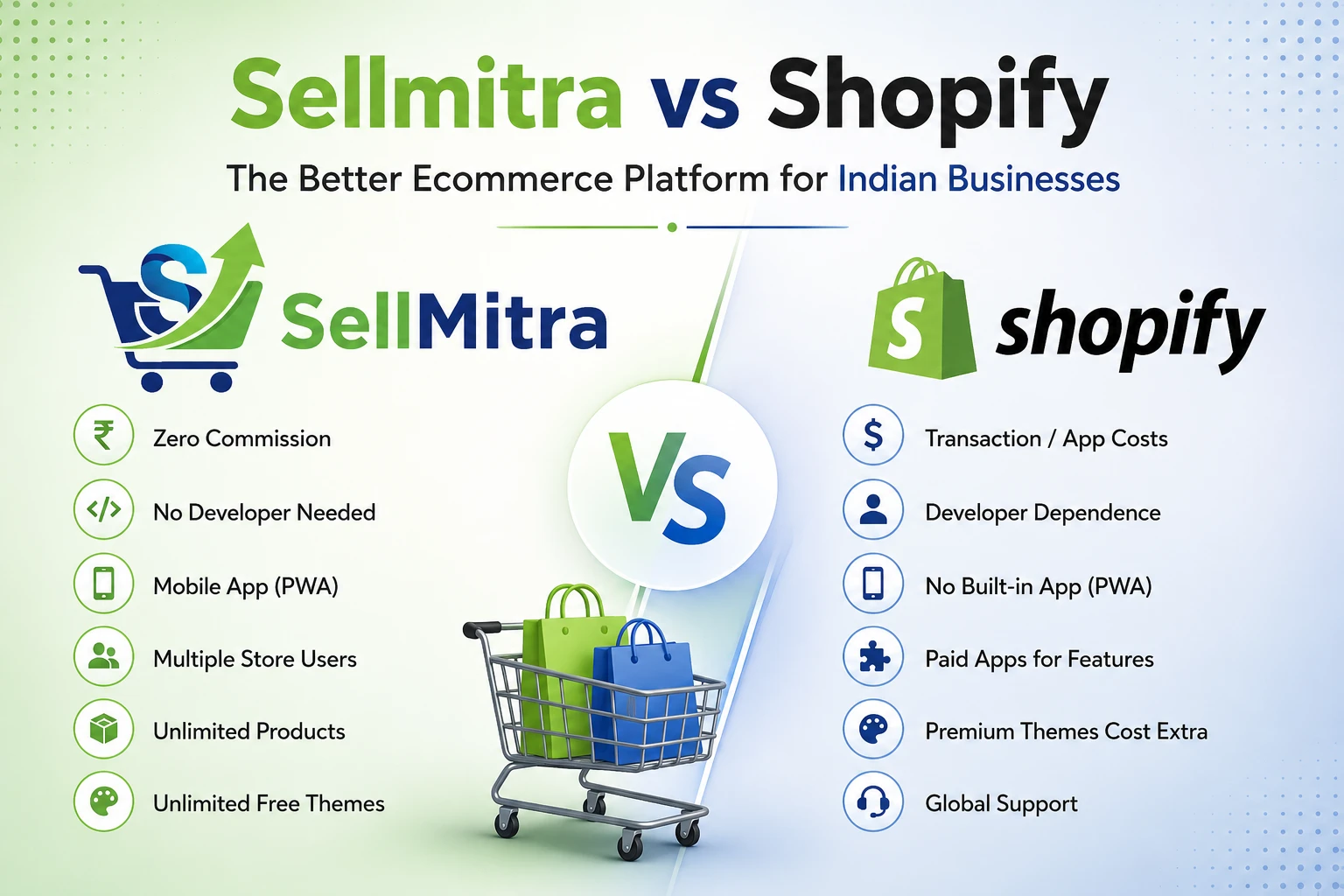
Compare Sellmitra and Shopify to find the right ecommerce platform for your business. Learn about pricing, mobile-first features, zero commission, and Indian-focused tools.

Discover why mobile apps are transforming ecommerce in India. Learn the benefits of PWAs, mobile commerce trends, and how they help grow sales.

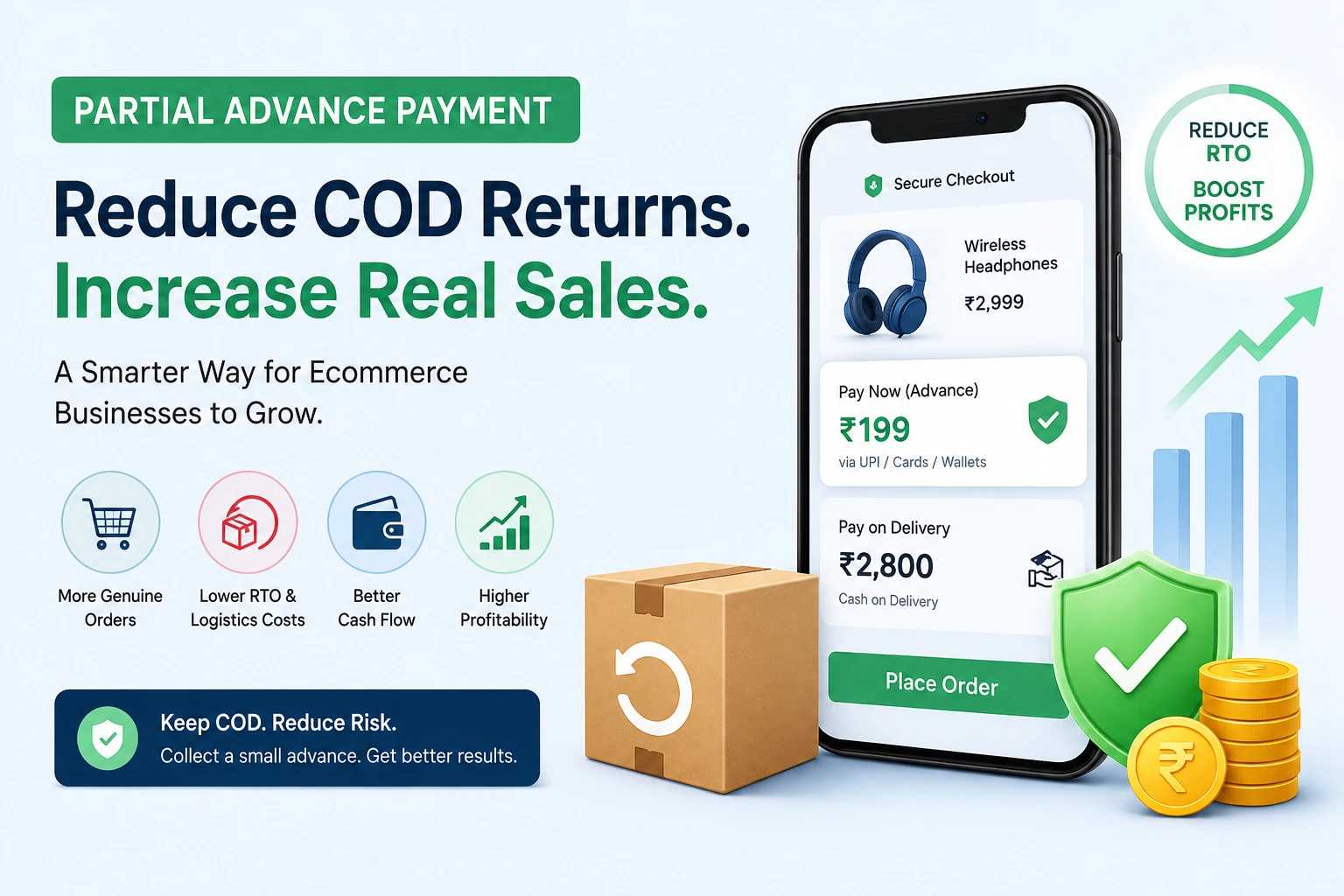
Learn how Partial Advance Payment helps ecommerce businesses reduce RTO, improve cash flow, increase genuine orders, and build customer trust without removing Cash on Delivery.
Join our WhatsApp channel for quick tips, product updates, and ideas to help you grow your online store efficiently.