Why Sellmitra is the Best Shopify Alternative in India
Compare Sellmitra and Shopify to find the right ecommerce platform for your business. Learn about pricing, mobile-first features, zero commission, and Indian-focused tools.

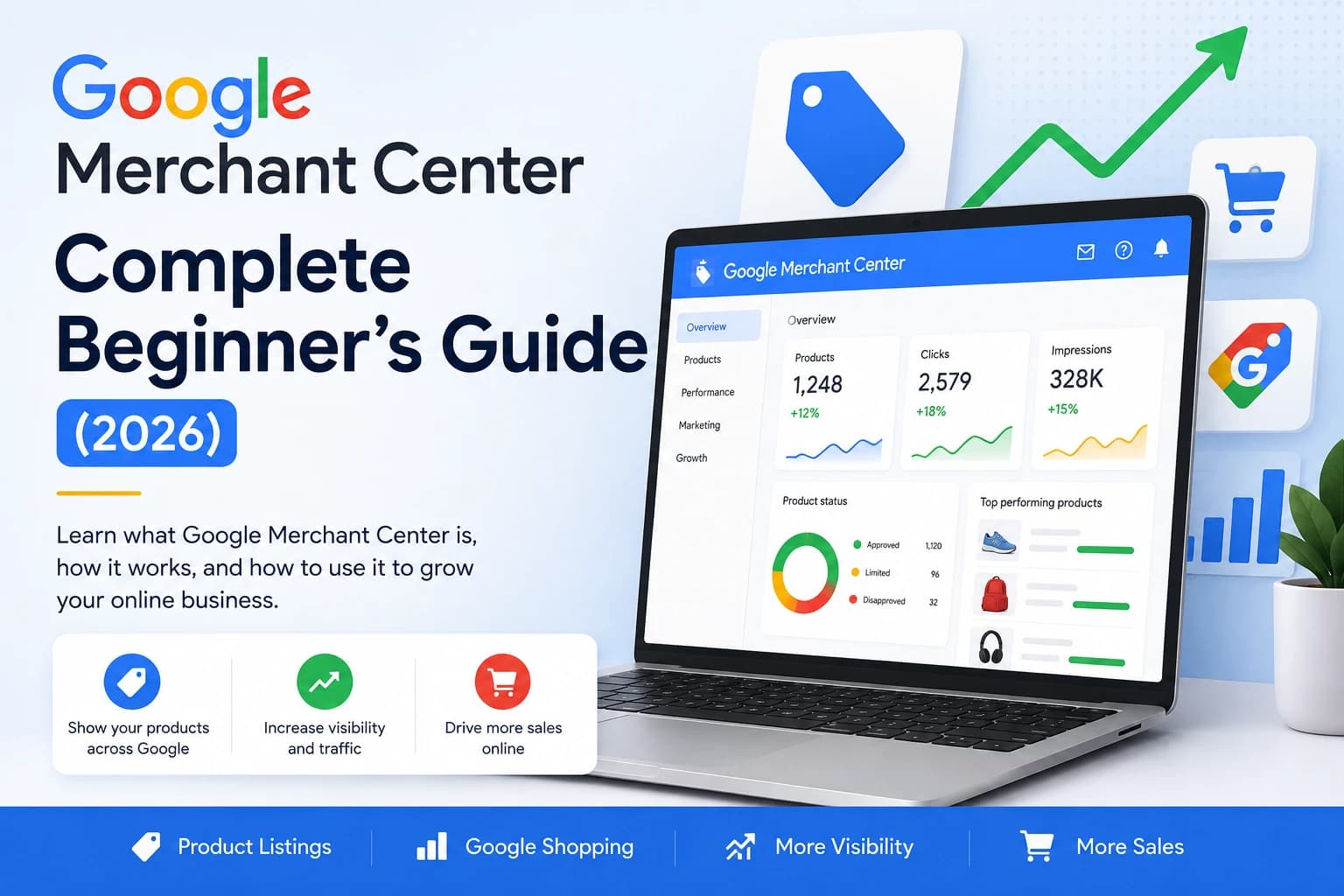
Imagine you've opened a beautiful shop in the middle of a huge city. Your shelves are full of great products, your prices are competitive, and your store looks amazing. But there's one problem: nobody knows your shop exists.
This is exactly what happens to many online stores. Business owners spend weeks or even months building an e-commerce website, yet very few people visit because Google doesn't know enough about the products they're selling.
This is where Google Merchant Center comes in. Think of it as a way of introducing your products directly to Google. Instead of making Google guess what's on your website, you provide all the important product details in a format Google can easily understand.
Once Google understands your products, they may become eligible to appear across multiple Google services, including:
The best part? Google offers free product listings, allowing businesses of all sizes to showcase their products without paying for ads just to get started.
Google Merchant Center is a free tool from Google that lets online businesses share product information directly with Google.
Think of it like handing an employer a well-organized résumé instead of asking them to search through hundreds of pages about you. Merchant Center acts as a structured catalogue that helps Google understand exactly what you're selling.
Google can crawl your website, but websites are designed for people rather than computers. Merchant Center provides product information in a structured format that's much easier for Google's systems to process.
It's like the difference between reading an entire book to find one phone number and opening a contact list where everything is already organized.
Imagine Sarah owns an online store selling handmade candles.
Without Merchant Center, Google has to interpret product information from her website on its own. With Merchant Center, Sarah provides accurate prices, product images, and stock levels directly to Google, making it easier for her products to appear when customers search for handmade candles.
Think of Google Merchant Center as your product catalogue for Google. Instead of asking Google to search through your entire website, you provide a neatly organized list of everything you sell. The easier you make it for Google to understand your products, the better your chances of reaching customers already searching for products like yours.
One of the first questions many business owners ask is:
"Do I have to pay to use Google Merchant Center?"
The good news is no.
Google Merchant Center is completely free to create and use.
You can upload your products, manage your inventory, and make your products eligible for Google's free product listings without paying anything.
Imagine a shopping mall that lets you display your products in its front window for free. People walking past the mall can see what you're selling and decide whether they want to visit your store. That's similar to what Google Merchant Center does. It gives your products the opportunity to be seen by people searching on Google—without charging you just for listing them.
Using Google Merchant Center itself is free.
However, if you want to run paid Shopping Ads, you'll also need a Google Ads account.
Think of it this way:
Many small businesses start with free product listings and later invest in paid advertising as their business grows.
These are two different Google tools, and beginners often confuse them because both help your website appear on Google.
The easiest way to remember the difference is this:
Google Search Console helps Google understand your website.
Google Merchant Center helps Google understand your products.
Imagine you own a supermarket.
One employee checks whether the building is clean, easy to enter, and well maintained.
Another employee organizes the products on the shelves and makes sure every item has the correct price tag.
Both jobs are important, but they're different.
Google Search Console looks after your website.
Google Merchant Center looks after your products.
Google Search Console focuses on your website as a whole.
It helps you:
Think of Search Console as your website's health report.
Merchant Center focuses only on the products you sell.
It helps you:
Think of it as your product management dashboard.
| Google Search Console | Google Merchant Center |
|---|---|
| Helps Google understand your website | Helps Google understand your products |
| Focuses on SEO | Focuses on shopping experiences |
| Tracks website performance | Tracks product performance |
| Reports indexing issues | Reports product issues |
| Uses XML sitemaps | Uses product feeds |
Yes.
If you run an e-commerce website, using both tools gives you the best chance of being discovered on Google.
Search Console helps people find your website.
Merchant Center helps people find your products.
Together, they work as a team.
Another common misunderstanding is that Google Merchant Center and Google Ads are the same thing.
They aren't. Although they work together, they have completely different jobs.
Simple ExplanationMerchant Center stores your product information. Google Ads promotes those products through paid advertising.
Imagine you're selling homemade cakes.
Merchant Center is like your menu.
Google Ads is like paying to place a large billboard beside a busy highway.
The menu tells people what you sell.
The billboard attracts more people to look at the menu.
You need the menu before you can advertise it.
Here's a simple example:
Without Merchant Center, Google Ads doesn't have the product information it needs for Shopping Ads.
Absolutely.
Many online stores use Merchant Center only for free product listings.
You can always add Google Ads later if you decide you want more visibility.
These two Google tools also have different purposes.
Google Business Profile helps people find your business.
It displays information such as:
If you've ever searched for a local café or restaurant on Google and seen a business card with maps, reviews, and contact details, that's a Google Business Profile.
Merchant Center isn't about your business location. It's about the products you sell.
Instead of showing your address, it helps Google understand:
Imagine you own a bicycle shop.
Google Business Profile tells people:
Where the shop is.Google Merchant Center tells people:
These are the bicycles available inside the shop.
Both are useful, but they solve different problems.
If you have a physical store and an online store, the answer is definitely yes.
Google Business Profile helps local customers find your shop.
Google Merchant Center helps shoppers discover the products you sell.
Using both increases your chances of reaching more customers.
Many beginners avoid Google Merchant Center because they've heard incorrect information.
Let's clear up some of the most common myths.
False.
Many people believe Merchant Center only works if you're paying for advertising.
That's no longer true.
Google also offers free product listings, meaning your products may become eligible to appear across Google's shopping experiences without running ads.
False.
Merchant Center isn't just for big brands.
In fact, small businesses often benefit the most because they gain extra visibility without needing a huge marketing budget.
Whether you sell 20 products or 20,000, Merchant Center can still be valuable.
False.
Google reviews your products before making them eligible for display.
Depending on your account and product information, this review may take some time.
Patience is part of the process.
False.
Merchant Center and SEO work together—they don't compete.
SEO helps Google understand your website.
Merchant Center helps Google understand your products.
Using both creates a stronger online presence than relying on either one alone.
False.
Your online store changes all the time.
Prices change.
Products go out of stock.
New products are added.
Old products are discontinued.
Your Merchant Center account should always stay in sync with your website so customers see accurate information.
Before creating your Merchant Center account, make sure your online store is ready.
Google wants shoppers to have a safe and trustworthy experience.
If important information is missing, your products may be delayed or even disapproved.
Imagine buying from an online store that doesn't tell you:
Most people wouldn't trust that store.
Google feels the same way.
By checking these details, Google helps create a safer shopping experience for everyone.
Before setting up Google Merchant Center, think of your website as a physical store.
Would you trust a shop with no contact details, unclear prices, and no return policy?
Probably not.
Google wants your website to provide clear, accurate, and trustworthy information before recommending your products to shoppers.
One of the first technical terms you'll come across in Google Merchant Center is product feed.
The name might sound complicated, but the idea is actually very simple.
A product feed is a file that contains information about all the products you sell.
Think of it as a digital product catalogue that you send to Google.
Instead of entering product details one by one, you give Google one organized file containing everything it needs to know about your products.
Imagine you're sending your school's annual report to the education department.
Would you send hundreds of individual papers, one for each student?
Or would you send one spreadsheet containing every student's information?
Most schools use the spreadsheet because it's faster, easier, and keeps everything organized.
A product feed works the same way.
Instead of sending Google one product at a time, you send a single file that contains all your products.
A product feed usually contains details such as:
Every row in the feed represents one product.
Every column contains a different type of information about that product.
If you've ever used Microsoft Excel or Google Sheets, you've already seen something very similar.
Google needs accurate information to display your products correctly.
If your product feed says a laptop costs ₹45,000 but your website says ₹49,000, Google becomes confused.
To protect shoppers from incorrect information, Google may stop showing that product until the mismatch is fixed.
That's why keeping your product feed updated is so important.
Suppose you own an online shoe store.
Your product feed might tell Google:
When someone searches for "black running shoes," Google already has the information it needs to decide whether your product is relevant.
There isn't just one way to upload your products.
Google offers several methods, allowing businesses of different sizes to choose what works best for them.
Let's look at each option.
Google scans your website and tries to collect product information automatically.
Imagine a librarian walking through your bookstore, writing down the title, author, and price of every book.Google does something similar when it crawls your website.
This option is often suitable for smaller online stores with a limited number of products.
However, you'll still want to check that Google has collected the correct information.
You manually enter product details into a Google Sheets spreadsheet. Google then reads that spreadsheet to understand your products.
Imagine maintaining a simple inventory list for your shop. Whenever you add a new product or change a price, you update the spreadsheet. Google uses that spreadsheet to stay informed.
Who Is It Best For?Google Sheets works well for businesses with a small product catalogue.
If you only sell a few dozen products, it's an easy way to get started.
An XML feed is a specially formatted file created by your e-commerce platform or another tool. It automatically organizes product information in a way Google can understand.
Don't worry about the technical details. The important thing to know is that many online store platforms can generate this file for you.
XML feeds are ideal for growing businesses with hundreds or thousands of products. They save time by reducing manual work.
The Content API allows product information to be shared automatically between your online store and Google Merchant Center. Whenever something changes—such as a price or stock level—the update can be sent to Google almost immediately.
Imagine your store manager calling the warehouse every time a product sells.
The warehouse updates its records instantly.
That's similar to how the Content API works.
The Content API is generally recommended for larger businesses with products that change frequently.
For example:
The best method depends on the size of your business.
| Store Size | Recommended Method |
|---|---|
| Small store with a few products | Google Sheets or Automatic Website Crawl |
| Growing business | XML Feed |
| Large online store | Content API |
Don't worry if you start with a simple method.
As your business grows, you can always switch to a more advanced option.
When you upload products, Google asks for specific pieces of information. These are called product attributes.
Think of attributes as the facts Google needs to understand each product.
Some of the most important attributes include:
Imagine ordering a pizza online.
What if the menu didn't show:
You'd probably choose another restaurant.
Google feels the same way about products.
The more complete and accurate your product information is, the better Google can understand what you're selling.
One of the biggest frustrations for beginners is seeing products marked as Disapproved.
Don't panic.
Most disapprovals are caused by small mistakes that can usually be fixed.
A disapproved product is a product that Google has decided not to display until certain issues are corrected.
It's like submitting an application with missing information.
The application isn't rejected forever—it just needs to be completed correctly.
If the price on your website is different from the price in Merchant Center, Google may reject the product.
Always make sure both match.
If Merchant Center says "In Stock" but your website says "Out of Stock," Google may stop showing the product.
Keep inventory updated regularly.
If Google can't access your product images, customers can't see what you're selling.
Broken images often lead to product disapproval.
Many branded products require a GTIN.
If one is available but missing, Google may ask you to add it.
Product images should focus on the product itself.
Avoid adding text like:
Google prefers clean product photos.
Blurry, dark, or very small images can reduce your product's chances of approval.
Use clear, high-quality photos whenever possible.
Google has rules about what can and cannot be listed.
If a product breaks those rules, it may be disapproved.
Always review Google's policies before uploading products.
If your website shows different shipping information from Merchant Center, Google may flag the product.
Keeping both in sync helps avoid problems.
Most disapprovals happen because your website and Merchant Center are showing different information.
Think of it like two restaurant menus with different prices.
Customers would become confused.
Google wants shoppers to see consistent information everywhere.
A complete and accurate product feed is one of the most important parts of Google Merchant Center.
The better your product information is, the easier it is for Google to understand your products and make them eligible for Google's shopping experiences.
If a product is disapproved, don't assume you've done something seriously wrong.
In many cases, fixing a price, updating stock information, replacing an image, or completing missing product details is all that's needed to get your products back on track.
Getting one or two product disapprovals is quite common, especially when you're new to Google Merchant Center.
However, if Google finds serious or repeated problems with your account, it may suspend your Google Merchant Center account.
This means your products will no longer be eligible to appear across Google's shopping experiences until the issues are fixed.
The good news is that most account suspensions can be avoided by providing honest, accurate, and up-to-date information.
Imagine a shopping mall that allows businesses to rent space.
If one store keeps displaying incorrect prices, misleading customers, or breaking the mall's rules, the mall management may ask that store to stop operating until the problems are resolved.
Google works in a similar way.
Its goal is to provide shoppers with accurate and trustworthy information. If a business repeatedly violates Google's policies, Google may suspend the account to protect customers.
If the information in Merchant Center doesn't match what's shown on your website, Google may lose confidence in your account.
For example:
Always describe your products honestly and accurately.
Some businesses increase the original price just to make a sale price look more attractive.
For example:
If the product was never actually sold for ₹5,000, Google may consider the discount misleading.
Always use genuine pricing and real discounts.
Google has policies about the types of products that can be listed.
If you try to sell products that aren't allowed under those policies, your account could be affected.
Before adding new products, make sure they comply with Google's rules.
Customers expect the price they see on Google to match the price on your website.
If Google repeatedly finds different prices, it may suspend your account.
Keeping your prices synchronized is one of the easiest ways to avoid problems.
A trustworthy online store should clearly display information such as:
If customers can't find this information, Google may consider the website less trustworthy.
Google wants shoppers to have a smooth buying experience.
Problems such as broken checkout pages, confusing payment steps, or technical errors can negatively affect your Merchant Center account.
Regularly test your checkout process to make sure everything works correctly.
Google expects businesses to be transparent.
This means you shouldn't:
Building trust with customers also helps build trust with Google.
Setting up Google Merchant Center is only the beginning.
To get the best results, you'll need to keep your product information accurate and up to date.
Here are some simple best practices to follow.
Your product image is often the first thing shoppers notice.
Use clear, high-resolution photos with good lighting.
Avoid blurry images, watermarks, or promotional text.
Think of your product image as the display window of your online shop.
A product title should tell customers exactly what you're selling.
Instead of writing:
"Amazing Shoes"
Write something more descriptive, such as:
"Men's Black Running Shoes – Size 9"
Clear titles help both Google and shoppers understand your products.
If prices change on your website, update them in Merchant Center as well.
Matching prices reduce the risk of product disapprovals and create a better shopping experience.
Products sell out.
New products arrive.
Old products are discontinued.
Keeping your stock information current helps prevent customers from clicking on unavailable products.
Google organizes products into categories.
Selecting the correct category helps Google show your products to the right audience.
For example, a running shoe should be placed in the appropriate footwear category rather than a general clothing category.
If your products have a GTIN (Global Trade Item Number), include it in your product information.
This helps Google identify your products more accurately.
Instead of writing just a few words, explain what makes your product useful.
A good description answers questions customers might have before making a purchase.
For example:
Helpful descriptions improve both customer experience and product quality.
Product Schema is a small piece of code that helps Google understand information on your product pages.
Don't worry if the term sounds technical.
Think of it as adding labels to boxes before moving house.
The labels make it easier for everyone to know what's inside.
Similarly, Product Schema makes it easier for Google to understand your products.
Merchant Center provides reports showing product issues and warnings.
Checking these reports regularly allows you to fix small problems before they become bigger ones.
A few minutes each week can save you a lot of time later.
Many beginners ask:
"Does Google Merchant Center improve SEO?"
The answer is not directly.
Merchant Center doesn't replace Search Engine Optimization (SEO), but it works alongside it.
Imagine you're trying to attract customers to your shop.
You put up a large sign outside the building.
That's similar to SEO—it helps people find your website.
Now imagine placing your best-selling products in the shop window.
That's similar to Google Merchant Center—it helps people discover the products inside.
Both strategies work together to bring in more customers.
When combined with good SEO practices, Merchant Center can help:
The best results usually come from using both SEO and Merchant Center together.
You've probably seen the term structured data while reading about SEO. It sounds technical, but the idea is simple.
Structured data is extra information added to your website that helps Google understand your content more clearly.
Think of it like adding labels to folders in a filing cabinet.
Without labels, someone has to open every folder to see what's inside.
With labels, they immediately know where everything belongs.
Structured data gives Google those labels.
For online stores, the most important type of structured data is Product Schema.
It tells Google important details such as:
One important rule is that the information in your Product Schema should always match the information in Google Merchant Center.
Consistency helps Google trust your website.
Google Merchant Center is powerful on its own, but it works even better when combined with other Google tools.
Think of these tools as different members of the same team.
Each one has a different job, but together they help your online business grow.
| Google Tool | What It Helps You Do |
|---|---|
| Google Search Console | Monitor your website's performance in Google Search |
| Google Analytics 4 | Understand how visitors use your website |
| Google Tag Manager | Manage tracking codes more easily |
| Google Ads | Run paid advertising campaigns |
| Google Business Profile | Improve visibility for local businesses |
| PageSpeed Insights | Check and improve website speed |
You don't need to master every tool on day one.
As your business grows, you can gradually learn how each one supports your online store.
Yes.
Creating and using Google Merchant Center is completely free.
You can upload products and become eligible for free product listings without paying for advertising.
No.
Google Merchant Center works on its own.
However, connecting it with Google Ads allows you to run paid Shopping campaigns if you choose to advertise.
Most modern e-commerce platforms support Google Merchant Center directly or through product feeds.
Always check whether your platform offers a built-in integration or an extension.
Google reviews products before making them eligible for display.
The review time varies, so don't worry if your products don't appear immediately.
Not directly.
Merchant Center helps Google understand your products, while SEO helps Google understand your website.
Using both together usually produces better long-term results.
Building an online store is only the first step.
The next challenge is helping potential customers discover your products.
Google Merchant Center makes that easier by giving Google clear, organized, and accurate information about everything you sell.
Whether you have a small online shop with a handful of products or a large e-commerce store with thousands of items, Merchant Center can increase your opportunities to reach shoppers across Google's platforms.
Remember, success doesn't come from setting it up once and forgetting about it.
Keep your prices updated.
Maintain accurate stock information.
Use high-quality images.
Review your product data regularly.
Small improvements made consistently can have a big impact over time.
The more accurate and complete your product information is, the easier it becomes for Google to understand your products—and the more opportunities you have to connect with customers who are already searching for what you sell.

Join our WhatsApp channel for quick tips, product updates, and ideas to help you grow your online store efficiently.
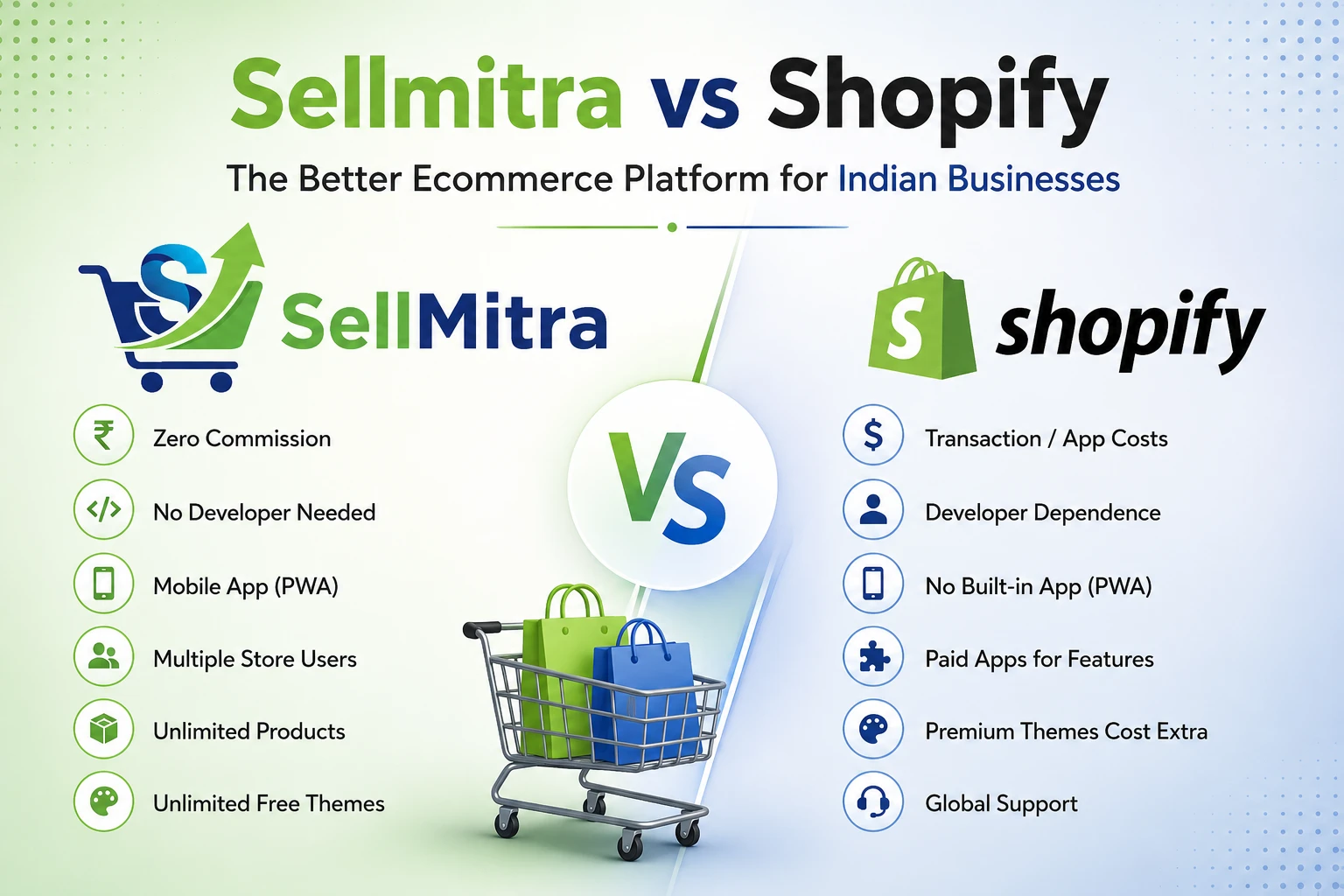
Compare Sellmitra and Shopify to find the right ecommerce platform for your business. Learn about pricing, mobile-first features, zero commission, and Indian-focused tools.

Discover why mobile apps are transforming ecommerce in India. Learn the benefits of PWAs, mobile commerce trends, and how they help grow sales.

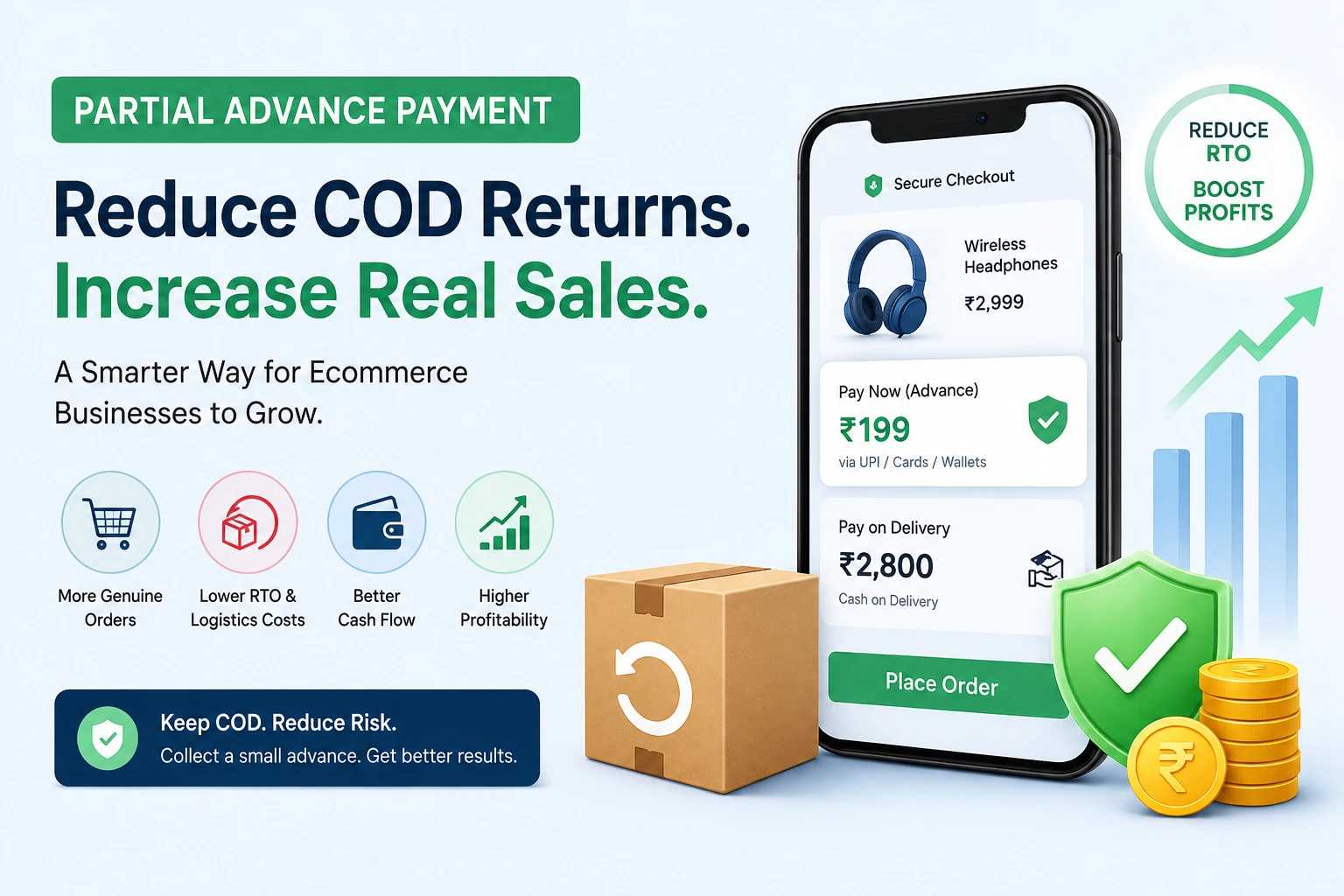
Learn how Partial Advance Payment helps ecommerce businesses reduce RTO, improve cash flow, increase genuine orders, and build customer trust without removing Cash on Delivery.
We can help you to create your dream website for better business revenue.