Why Sellmitra is the Best Shopify Alternative in India
Compare Sellmitra and Shopify to find the right ecommerce platform for your business. Learn about pricing, mobile-first features, zero commission, and Indian-focused tools.

Want to build an online store without hiring a developer or paying monthly plugin fees? This guide shows how to do it — step by step — with no code or commissions.
In 2026, building an online store doesn’t have to mean hiring a developer, learning WordPress, or paying monthly commissions to Shopify. No-code eCommerce platforms now let anyone — from solopreneurs to growing brands — launch fully functional stores in under an hour.
This guide will show you:
| Platform | Downsides |
|---|---|
| Shopify | Commission on sales, plugin dependency, no local payment support |
| WooCommerce | Hosting and maintenance required, steep learning curve |
| Wix/BigCommerce | App fatigue, limited control over checkout and payments |
This guide will show you:
Most platforms were not built for modern creators in India, Southeast Asia, or non-technical founders. You need something simpler, faster, and more flexible.
| Feature | Shopify | WooCommerce | Sellmitra |
|---|---|---|---|
| Coding Required | Yes | Yes | No |
| Commission on Sales | Yes | No | No |
| Local Payment Support (Razorpay, Paytm) | Limited | Yes (manual) | Yes |
| Plugins Needed | Yes | Yes | None |
| Custom Domain Support | Yes | Yes | Yes |
| Auto SSL | Yes | Manual | Yes |
| No-Code Builder | Limited | ❌ | X |
| Subscription Pricing | Yes | No | Yes |
A no-code eCommerce platform lets you build, manage, and run an online store without writing code or installing plugins. Everything is handled via a user-friendly dashboard.
Yes. You can connect Razorpay, Paytm, Stripe, or other gateways with a few clicks.
No. Hosting, security, and SSL are handled automatically.
Yes. You only need to update your DNS. Add your domain name in company setting from your account — the rest is done for you.
If you want full control, no commissions, and a simple no-code setup — then yes, it’s a better fit.

Join our WhatsApp channel for quick tips, product updates, and ideas to help you grow your online store efficiently.
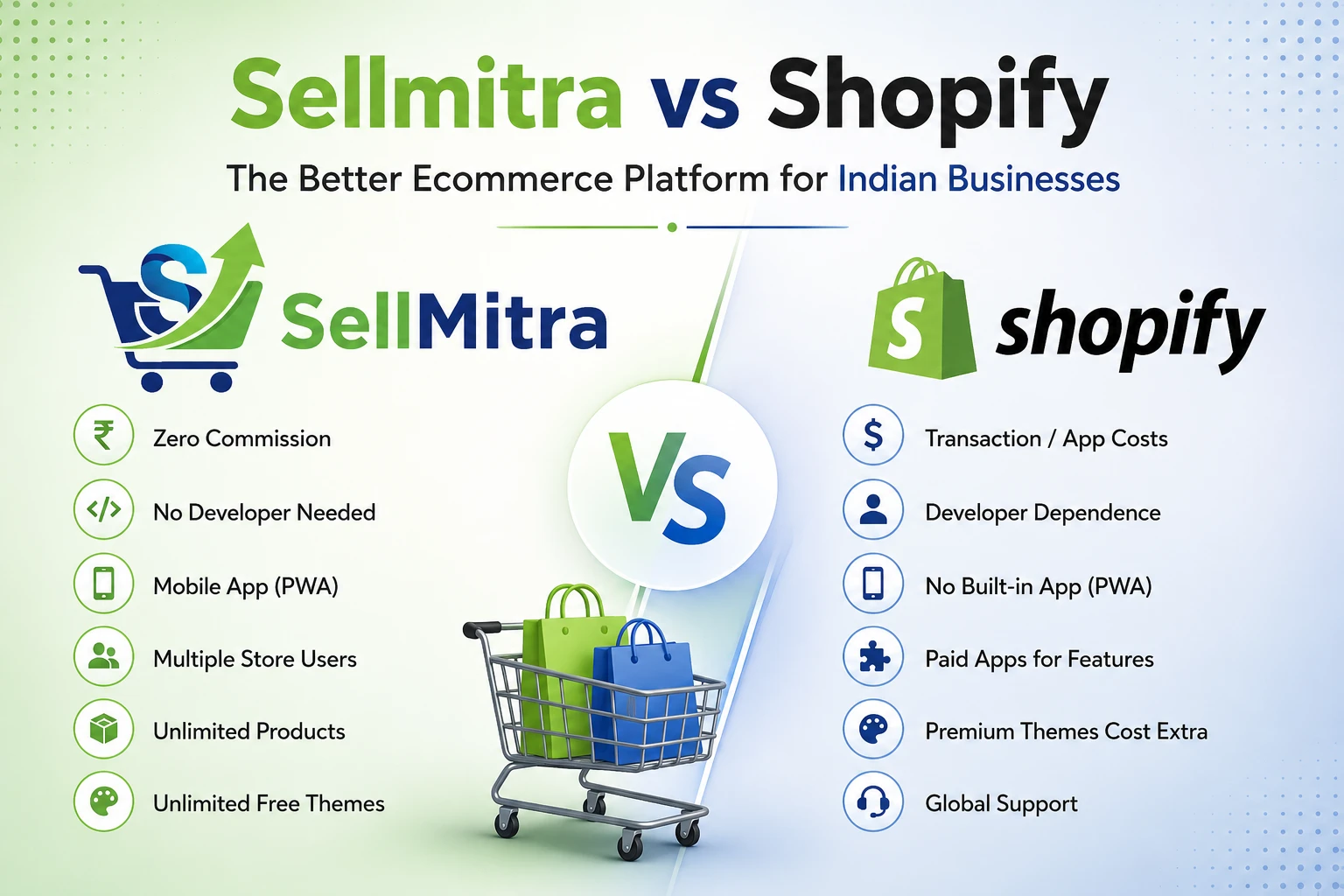
Compare Sellmitra and Shopify to find the right ecommerce platform for your business. Learn about pricing, mobile-first features, zero commission, and Indian-focused tools.

Discover why mobile apps are transforming ecommerce in India. Learn the benefits of PWAs, mobile commerce trends, and how they help grow sales.

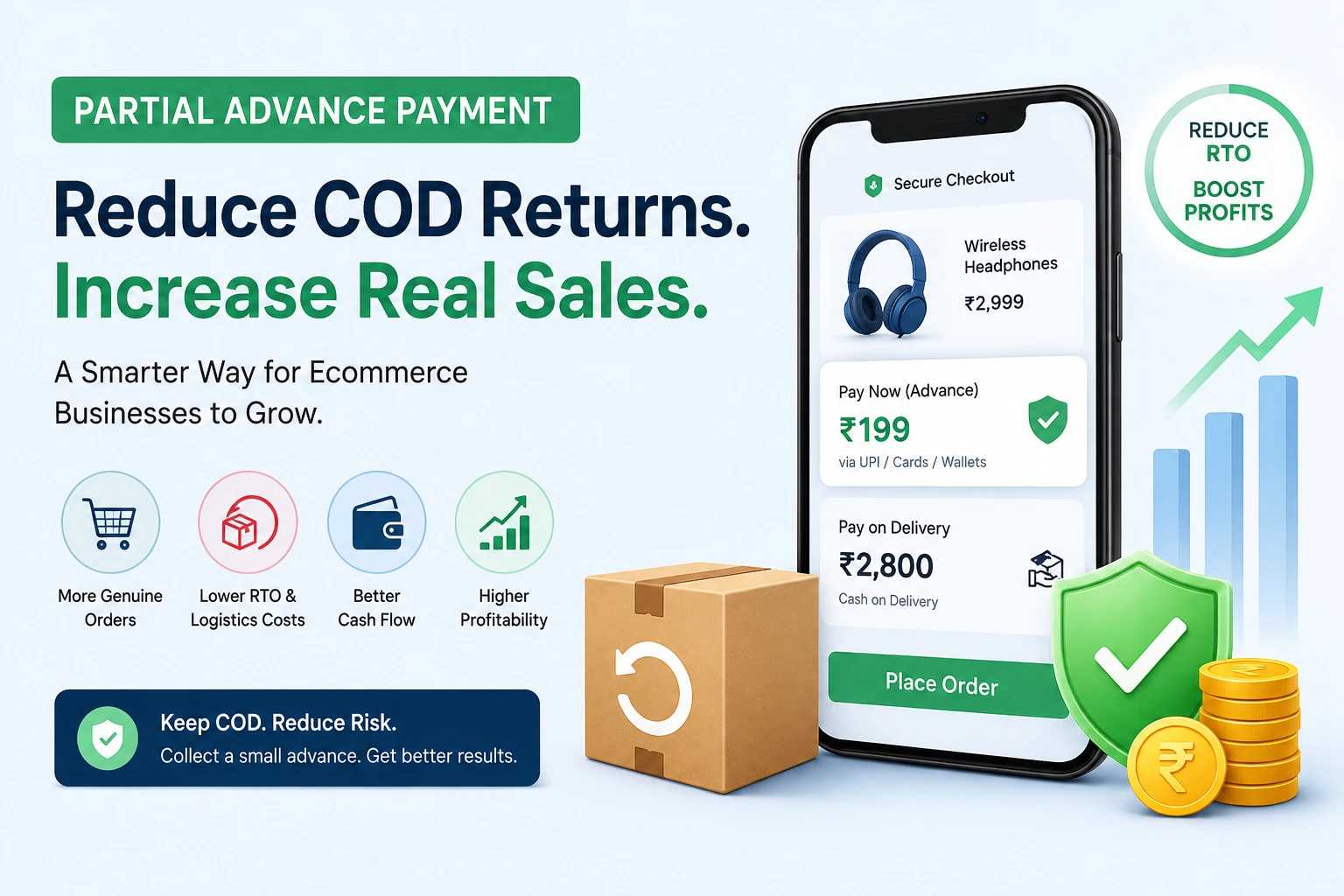
Learn how Partial Advance Payment helps ecommerce businesses reduce RTO, improve cash flow, increase genuine orders, and build customer trust without removing Cash on Delivery.
We can help you to create your dream website for better business revenue.